
Future NAS on the workbench
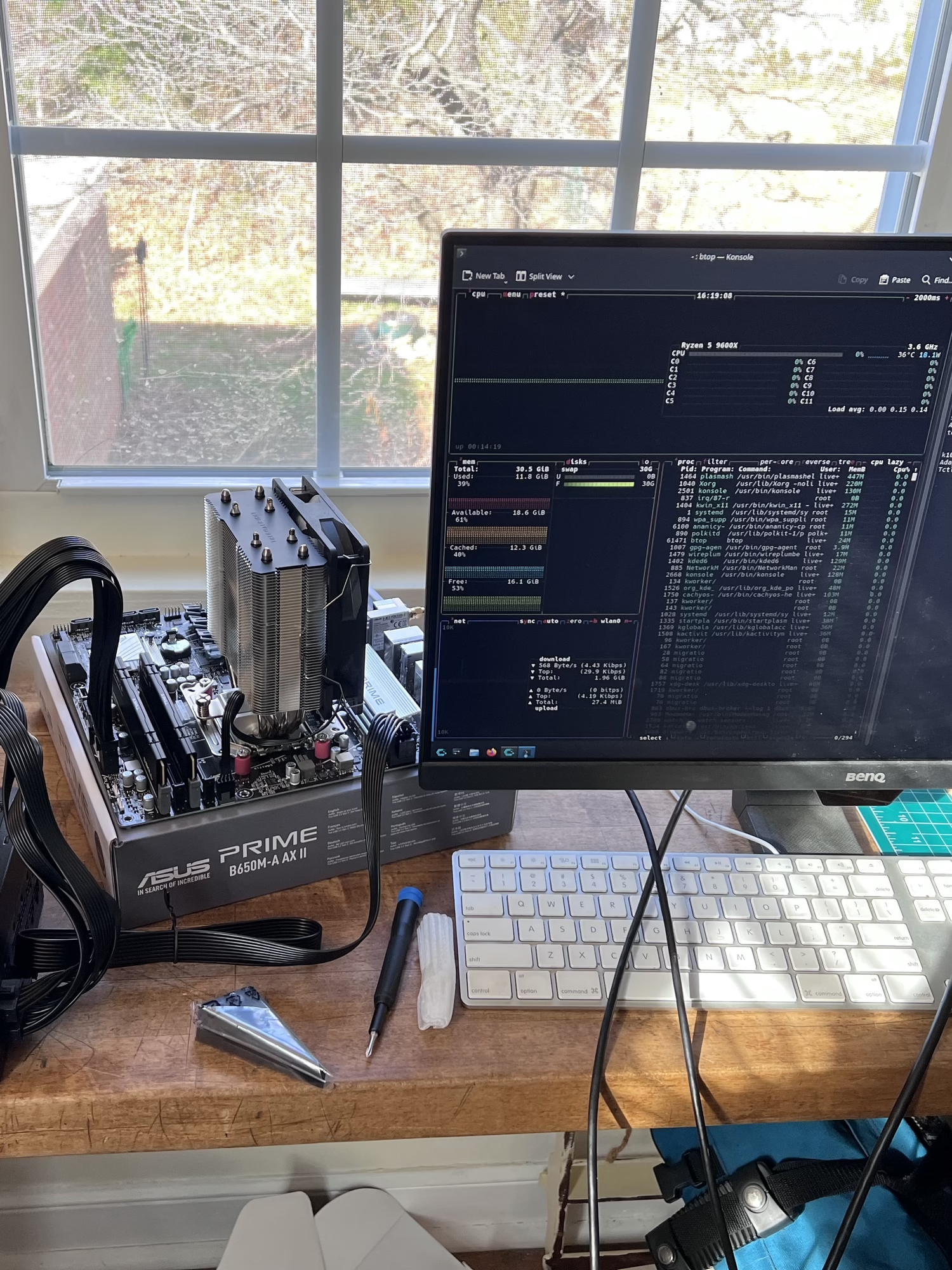
I was finally able to get my new NAS on the workbench this weekend and test out the parts I’ve acquired thus far.
- AMD Ryzen 5 9600X 3.9 GHz 6-Core Processor
- Thermalright Assassin X 120 Refined SE 66.17 CFM CPU Cooler
- Asus PRIME B650M-A AX II Micro ATX AM5 Motherboard (used off EBAY - box says 9000 ready)
- G.Skill Ripjaws S5 32 GB (2 x 16 GB) DDR5-6000 CL36 Memory
- MSI MAG A750GL PCIE5 750 W 80+ Gold Certified Fully Modular ATX Power Supply
RAM and CPU were purchased new from Microcenter in a bundle deal at a really good price on the 32GB DDR5-6000 RAM for current market pricing. Still cost $20 more than the 64GB DDR5-6000 I bought earlier this year though.
I purchased the motherboard, power supply, and CPU cooler from eBay. I was mostly worried about the motherboard. It didn’t come with a CPU cover. The pins looked fine, but you never know. The deal was great though at more than 50% off sticker price so I felt it was worth the risk. I rarely have issues with eBay. The PSU was unopened and CPU cooler was used but it’s a standard piece of equipment. I went cheap on the cooler but the Ryzen 5 9600X is supposedly lower wattage and thus runs cool. It idled solidly 30°C when I finally got it running.
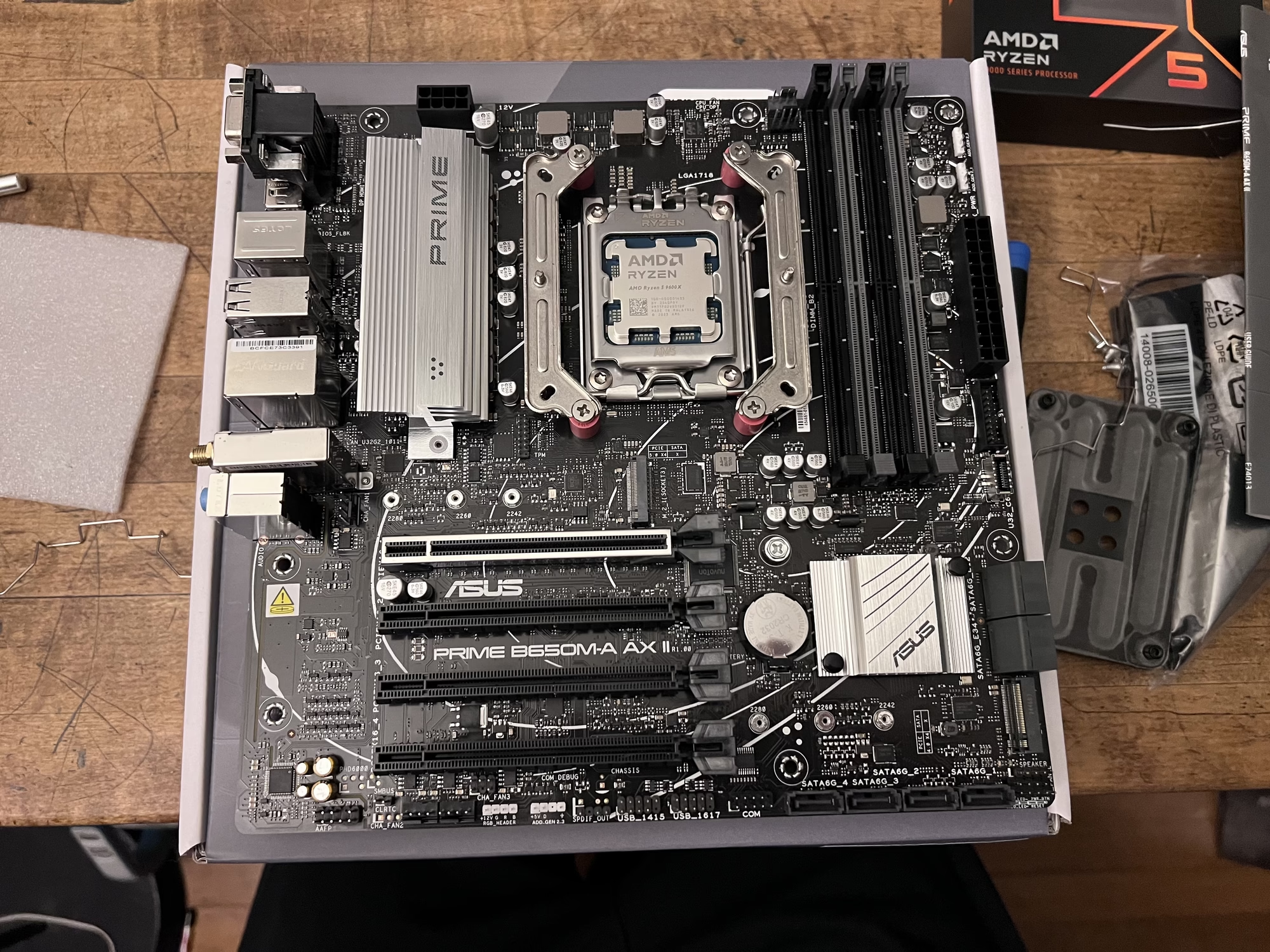
As I said, finally got it running. This was a bit nerve wracking. Decided last night to bench everything and start putting it together. I didn’t anticipate booting it, I mostly just wanted to prep it with the ram and CPU seated but once I started next thing I knew I’m putting thermal paste on the CPU and plugging in a monitor. As soon as I shorted the power prongs and watched the fans spin up my brain started firing off dopamine in excitement and after waiting for a something that resembled anything like a POST or UEFI BIOS menu…but nothing but fans spinning. Quickly, I worry I’m in the weeds.
Tried a different monitor. Resetting the RAM. Using one stick at a time. Using different slots. Again, nothing besides the CPU fan spinning. I know the board has power, but there’s no diagnostic LED’s on the board to help. Ah well. Maybe tomorrow I’ll plug in a speaker for potential beep codes or try reseating the CPU. If that doesn’t work I guess either the mobo is shot or maybe I do need a graphics card even though I’m almost sure the 9600X has an iGPU. I know microcenter has the one I want. It’s late and I’m tired so I go to bed. When I wake up the next day I immediately start searching YouTube for videos on “Motherboard won’t POST”.
I finally came across JayzTwoCents video on troubleshooting a PC that won’t boot. He had a different solution, but I followed the same process he did and of course consulted the manual for my motherboard for specifics. I’m pretty sure I had to clear the CMOS header. I have no idea how it gets shorted when no power is involved (the battery I guess?) I did both with and without the battery as per the instructions in my manual and now it works so I must have done something right.
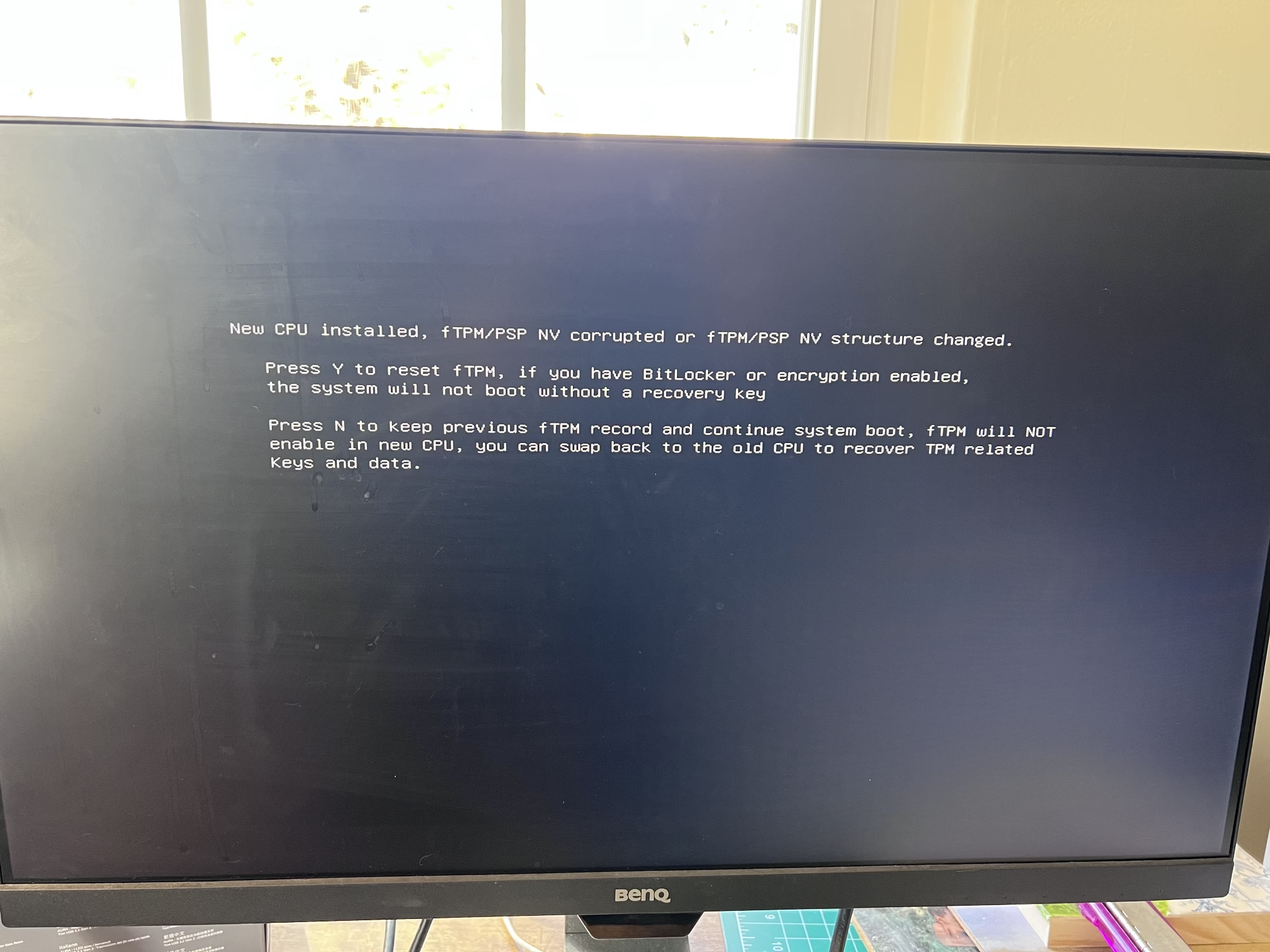 Finally! Words on the screen! I had walked away assuming it wouldn’t work. I was very happy to see this. Only fans were spinning previously.
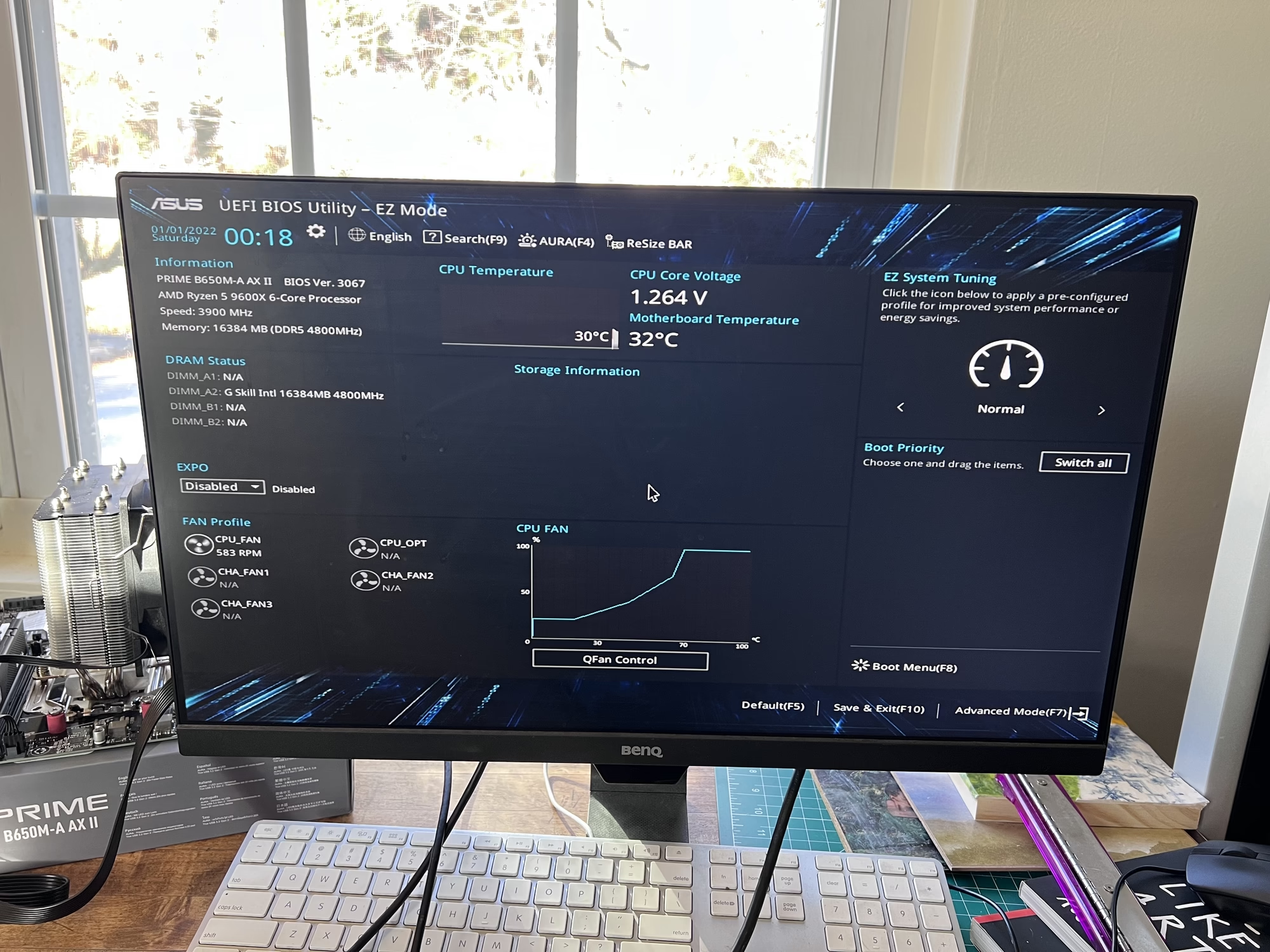
I entered AI Tweaking and switched to EXPO I in the BIOS to enable RAM voltage up to DDR5-6000 to match my hardware to match my hardware and disabled secure boot in anticipation for a future Linux install. Just for fun I plugged in a CachyOS live ISO and connected to WiFi and was quickly installing packages. I’m sure this will be a fine machine once I purchase the cage and drives.
Sidenote: Though I definitely most certainly probably won’t use it for a NAS, proxmox already has that privilege, CachyOS comes out of the box with ZFS support though, consider me very intrigued.
I am currently planning to put this motherboard into a Jonsbo N5 filled with six 12TB drives in a RAIDz2 configuration. This will leave 6 more slots for an identical expansion further down the road.