
I switched my websites image format to AVIF instead of WebP, maybe you should too?
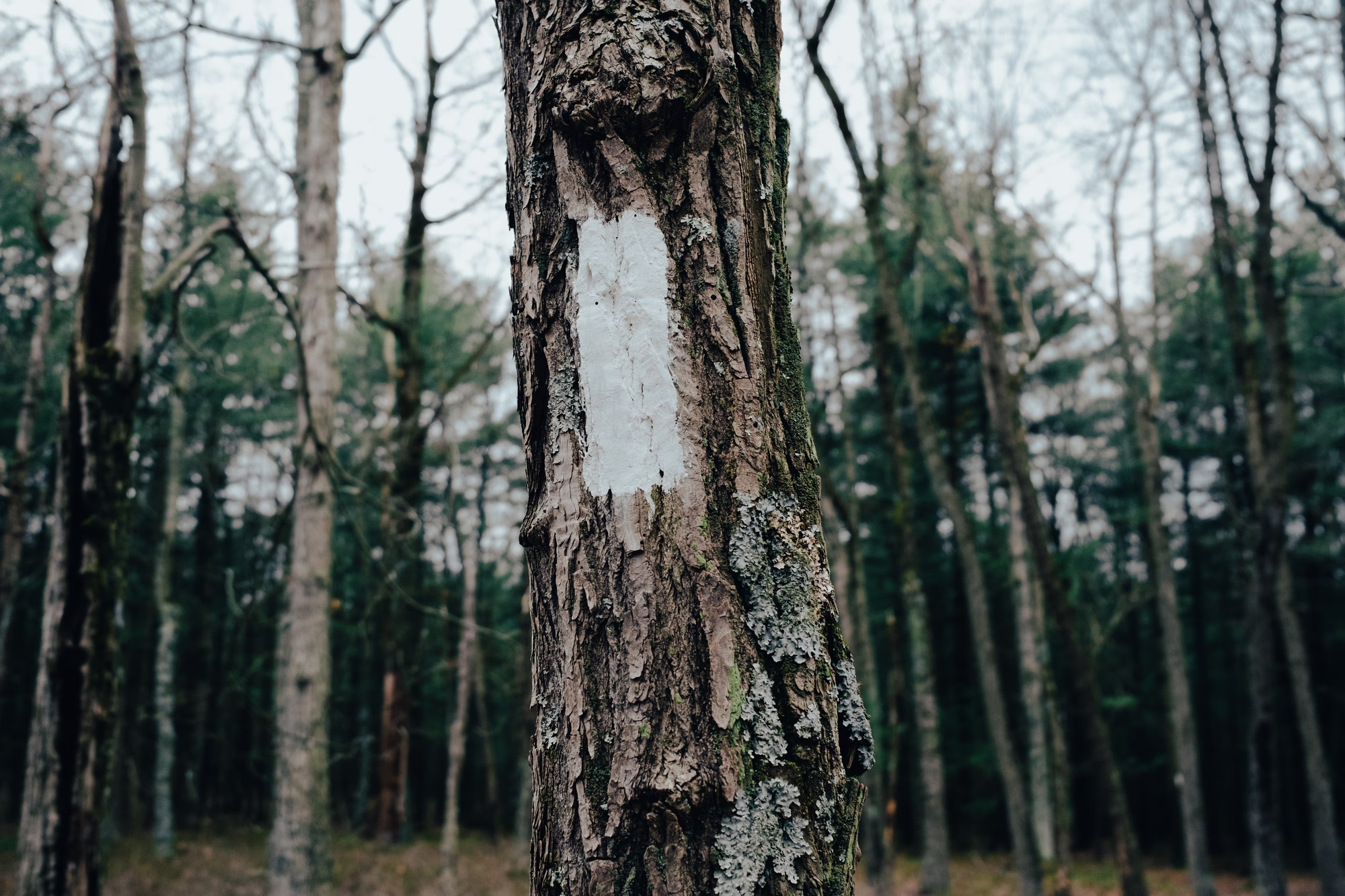 An AVIF formatted image of a tree on the Appalachian Trail.
The new open photo file format AVIF poses promise over WebP
But is it ready for prime time? My initial research stated that 93% of browsers have support for it now. Though honestly it begs more questions about which browsers are a part of the 7% that don’t, and about who is still using something that’s not Firefox, Chrome, or Safari than I do about the file format itself.
As you can probably tell, I just discovered the AVIF file format. All I really know about it right now is that it’s similar to WebP, which is a proprietary photographic file format developed by Google to optimize the delivery of images on the web. AVIF has even better compression than WebP (which was already really good compared to JPEG) which means even faster website loading times, which also means an SEO boost if you’re into that sort of thing.
I didn’t have to do much research to be convinced. Pretty much as soon as I learned about it I updated my watcher script to convert all new website images to AVIF instead of WebP. AVIF was also developed in part by Google, but I’m intrigued by this particular format being an open format, and the fact that it offers even better compression is an easy justification to switch so abruptly as well. I’ve read I should probably offer fallback images on my own site since the consensus seems to be that since some browsers don’t support it it’s not quite ready for prime time, but right now I’m not seeing any issues. Even my Obsidian notes app supports it, so I’m confident in its future adoption. As far as I’m concerned it has better support than many proprietary RAW formats, but that’s another post for another day.
I’m keeping the few clients whose websites I manage on WebP for now of course, but I’m more than willing to make myself the guinea pig as I test out compatibility and do more research.
The post probably stops here for most people, but feel free to read on if you want to read about how I setup a directory watcher using inotify, systemd, and python on Arch Linux. inotify should be available on your desired package manager if you’re on a different distribution, and in brew on MacOS. If you use windows, I suggest trying Linux. 😉
Heres how I did it on Linux:
inotify file watcher & AVIF conversion on Arch Linux
- Systemd Service (~/.config/systemd/user/image-watcher.service) - Runs the watch-and-convert.sh script automatically - Restarts on failure with a 10-second delay - Enabled to start at login
- Watch Script (watch-and-convert.sh:17) - Uses inotifywait (the inotify command-line tool) - Monitors ~/path/to/images recursively - Watches for two events: create and moved_to - Outputs the full file path when events occur
- Processing Pipeline - The script pipes inotifywait output to a while read loop - Checks if the file extension is an image format (jpg, png, gif, etc.) - Calls convert-to-avif.py on each new/moved image file
sudo pacman -Syu inotify-toolssystemd service
echo "[Unit]
Description=WebP Image Auto-Converter Watcher
After=default.target

[Service]
Type=simple
ExecStart=/path/to/script/watch-and-convert.sh
Restart=always
RestartSec=10

[Install]
WantedBy=default.target" > ~/.config/systemd/user/image-watcher.service
watch-and-convert.sh
#!/bin/bash

WATCH_DIR="$HOME/path/to/images"
SCRIPT_DIR="$HOME/path/to/script/dir"
CONVERTER="$SCRIPT_DIR/convert-to-avif.py"

echo "Starting image watcher..."
echo "Watching: $WATCH_DIR"
echo "Converting new images to AVIF at 85% quality"
echo ""

# Watch for new files or files moved into the directory
# -m = monitor (don't exit after first event)
# -r = recursive (watch subdirectories)
# -e = events to watch for
# --format = custom output format
inotifywait -m -r -e create -e moved_to --format '%w%f' "$WATCH_DIR" | while read filepath
do
    # Get file extension
    ext="${filepath##*.}"
    ext_lower=$(echo "$ext" | tr '[:upper:]' '[:lower:]')

    # Check if it's an image file we want to convert
    if [[ "$ext_lower" == "jpg" || "$ext_lower" == "jpeg" || "$ext_lower" == "png" || "$ext_lower" == "gif" || "$ext_lower" == "tiff" || "$ext_lower" == "bmp" ]]; then
        echo "[$(date '+%Y-%m-%d %H:%M:%S')] New image detected: $(basename "$filepath")"

        # Small delay to ensure file is fully written
        sleep 1

        # Convert just this file
        cd "$SCRIPT_DIR"
        python "$CONVERTER" "$filepath" 2>&1

        echo "---"
    fi
done
convert-to-avif.py
#!/usr/bin/env python3
#
# This command resizes images in a directory
#
# When paired with a service like inotify
# it will watch the directory for changes
# and change only that new file
#
# If ran against whole directory it will
# convert all images.
#
# You have been warned.
#


import os
import sys
from pathlib import Path
from PIL import Image
import pillow_heif  # Provides AVIF support through libheif

# Register HEIF/AVIF formats
pillow_heif.register_heif_opener()

AVIF_QUALITY = 85
MAX_WIDTH = 2000
MAX_HEIGHT = 2000
IMAGE_EXTENSIONS = {'.jpg', '.jpeg', '.png', '.gif', '.tiff', '.bmp', '.webp'}

def convert_and_delete_original(image_path):
    """Convert an image to AVIF format and delete the original."""
    try:
        img = Image.open(image_path)

        # Skip animated images
        if getattr(img, 'is_animated', False):
            print(f"⊘ Skipping {image_path.name}: animated images not supported")
            return True  # Not a failure, just skipped

        original_size = img.size

        # Check if resize is needed
        needs_resize = img.width > MAX_WIDTH or img.height > MAX_HEIGHT

        if needs_resize:
            # Calculate new dimensions maintaining aspect ratio
            img.thumbnail((MAX_WIDTH, MAX_HEIGHT), Image.Resampling.LANCZOS)

        # Create output path
        avif_path = image_path.with_suffix('.avif')

        # Convert to AVIF
        img.save(avif_path, 'AVIF', quality=AVIF_QUALITY)

        # Delete original
        image_path.unlink()

        resize_msg = f" [resized from {original_size[0]}x{original_size[1]}]" if needs_resize else ""
        print(f"✓ {image_path.name} → {avif_path.name}{resize_msg} (original deleted)")
        return True

    except Exception as e:
        print(f"✗ Failed to convert {image_path.name}: {e}")
        return False

def process_directory(dir_path):
    """Recursively process all images in directory."""
    converted = 0
    failed = 0

    for entry in sorted(dir_path.rglob('*')):
        if entry.is_file() and entry.suffix.lower() in IMAGE_EXTENSIONS:
            if convert_and_delete_original(entry):
                converted += 1
            else:
                failed += 1

    return converted, failed

def main():
    target_path = Path(sys.argv[1]) if len(sys.argv) > 1 else Path.home() / 'Documents' / 'planetB' / 'images'

    if not target_path.exists():
        print(f"Error: Path '{target_path}' does not exist")
        sys.exit(1)

    # If it's a single file, process just that file
    if target_path.is_file():
        if target_path.suffix.lower() in IMAGE_EXTENSIONS:
            success = convert_and_delete_original(target_path)
            sys.exit(0 if success else 1)
        else:
            print(f"Error: {target_path.name} is not a supported image format")
            sys.exit(1)

    # Otherwise, process directory
    print(f"Converting images to AVIF ({AVIF_QUALITY}% quality)")
    print(f"Max dimensions: {MAX_WIDTH}x{MAX_HEIGHT} (larger images will be resized)")
    print(f"Source directory: {target_path}")
    print("NOTE: Original files will be DELETED after conversion\n")

    try:
        converted, failed = process_directory(target_path)

        print(f"\n✅ Conversion complete!")
        print(f"   Converted: {converted} images")
        if failed > 0:
            print(f"   Failed: {failed} images")
    except Exception as e:
        print(f"\n❌ Conversion failed: {e}")
        sys.exit(1)

if __name__ == '__main__':
    main()
Then run the following to start the service
systemctl --user enable image-watcher.service

systemctl --user start image-watcher.service

systemctl --user status image-watcher.service